

Running a service-based business today means one thing: convenience is everything.
Whether you run a salon, clinic, or consulting business, your clients expect to book appointments online – instantly, without back-and-forth emails.
That’s where a great WordPress appointment booking plugin comes in. It automates scheduling, sends reminders, accepts online payments, and syncs with calendars – all without you lifting a finger.
In 2025, competition among booking plugins is fierce. From Amelia to BookingPress, these tools have evolved to handle complex workflows, multi-staff scheduling, and integrations with Google Calendar and WooCommerce.
In this guide, we’ll explore the top 5 appointment booking WordPress plugins for 2025 – tested for speed, features, and ease of use. By the end, you’ll know which one fits your business best.
What to Look for in a Great Appointment Booking Plugin
Choosing the right plugin isn’t just about pretty booking forms. It’s about how well the tool fits into your workflow and your customer’s journey.
Here’s what you should look for:
1. Calendar View and Availability Management
A good booking plugin should offer a clear calendar interface to manage appointments – both for you and your clients. This ensures there’s no double booking or confusion.
2. Payment Integration
If you want to charge for appointments online, look for plugins with built-in or easy PayPal, Stripe, or WooCommerce integration. It saves hours of manual invoicing.
3. Notifications and Reminders
Automatic email or SMS reminders reduce no-shows. A plugin that lets you customize these messages adds a professional touch.
4. Google Calendar Sync
When your schedule syncs with Google Calendar, you’ll never miss a meeting again. It’s an essential feature for most businesses today.
5. Speed and Lightweight Design
Plugins can slow down your site. Choose a lightweight booking plugin for WordPress that’s optimized for speed – it helps SEO and improves user experience.
6. Ease of Setup and Customization
Not everyone’s a tech wizard. Look for a plugin that’s easy to install, configure, and customize to match your website’s design.
Top 5 Appointment Booking WordPress Plugins (2025 Edition)
Let’s break down the best of the best – each with its own strengths, ideal use cases, and pricing details.
1. Amelia Booking Plugin
Overview:
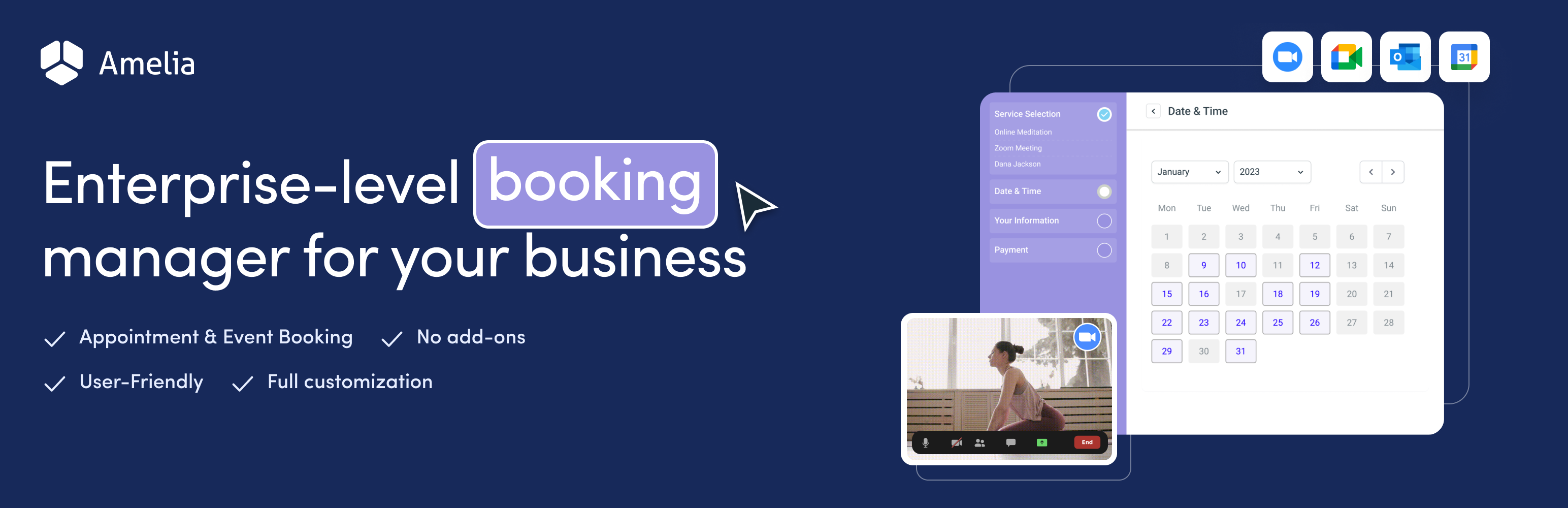
Amelia is one of the most advanced WordPress appointment scheduling plugins available today. It combines automation, flexibility, and a modern interface that looks good on any site.
Best for:
Medium to large businesses, salons, clinics, or agencies that need multi-staff and multi-location booking.
Key Features:
- Sleek and responsive front-end booking form
- Supports multiple employees, services, and locations
- Real-time availability management
- Google Calendar and Outlook sync
- SMS and email notifications
- WooCommerce and PayPal/Stripe integration
- Customizable dashboard with analytics
Pricing (2025):
- Free version available on WordPress.org
- Paid version starts at $79/year (1 domain license)
Pros:
- Gorgeous, intuitive UI
- Handles complex scheduling needs
- Reliable Google Calendar integration
Cons:
- Overkill for small, single-service businesses
If you’re looking for an all-in-one solution that just works – Amelia is a top choice.
2. Bookly Pro
Overview:
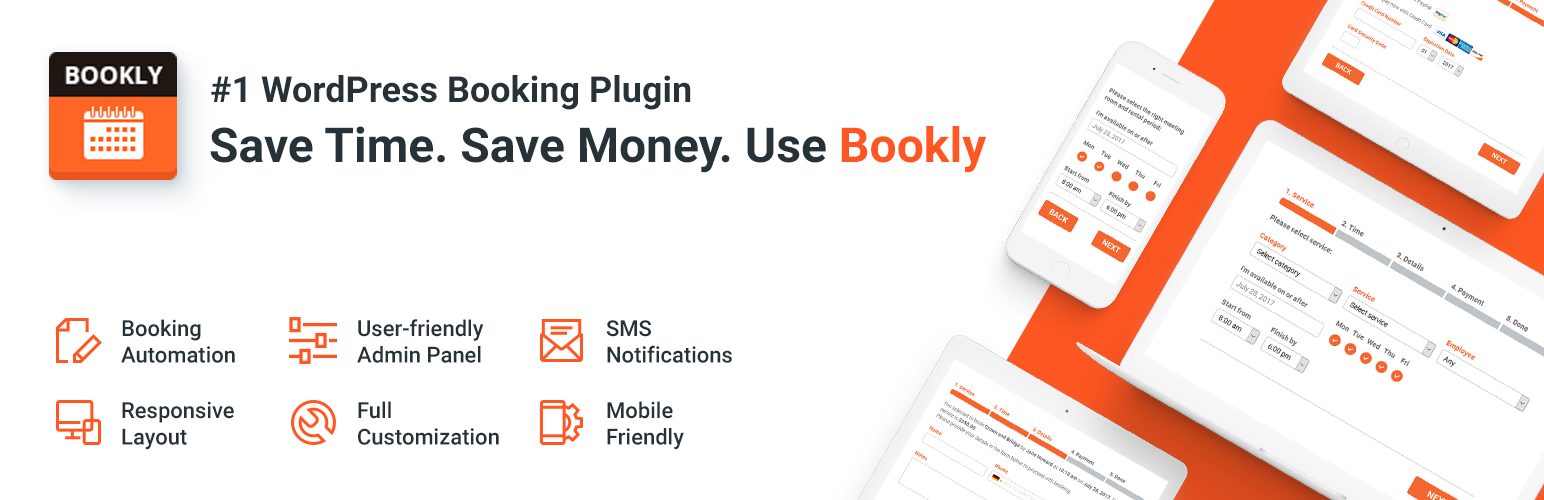
Bookly is one of the most popular and long-standing booking plugins for WordPress. It’s known for its flexibility and smooth integration with business workflows.
Best for:
Salons, spas, doctors, or any business managing multiple employees and recurring appointments.
Key Features:
- Clean, mobile-friendly booking interface
- Supports recurring appointments
- WooCommerce and Google Calendar integration
- Automated email & SMS reminders
- Multiple payment gateways (PayPal, Stripe, etc.)
- Highly customizable backend
Pricing (2025):
- Free version available (Bookly Lite)
- Pro version starts at $89 (one-time license) on CodeCanyon
Pros:
- Flexible and scalable
- Excellent for team-based scheduling
- Tons of add-ons available
Cons:
- Add-ons can increase cost quickly
- Slight learning curve for beginners
If you’re comparing Bookly vs BookingPress, Bookly wins in terms of customization and team scheduling, but it can be pricier depending on features.
3. BookingPress
Overview:
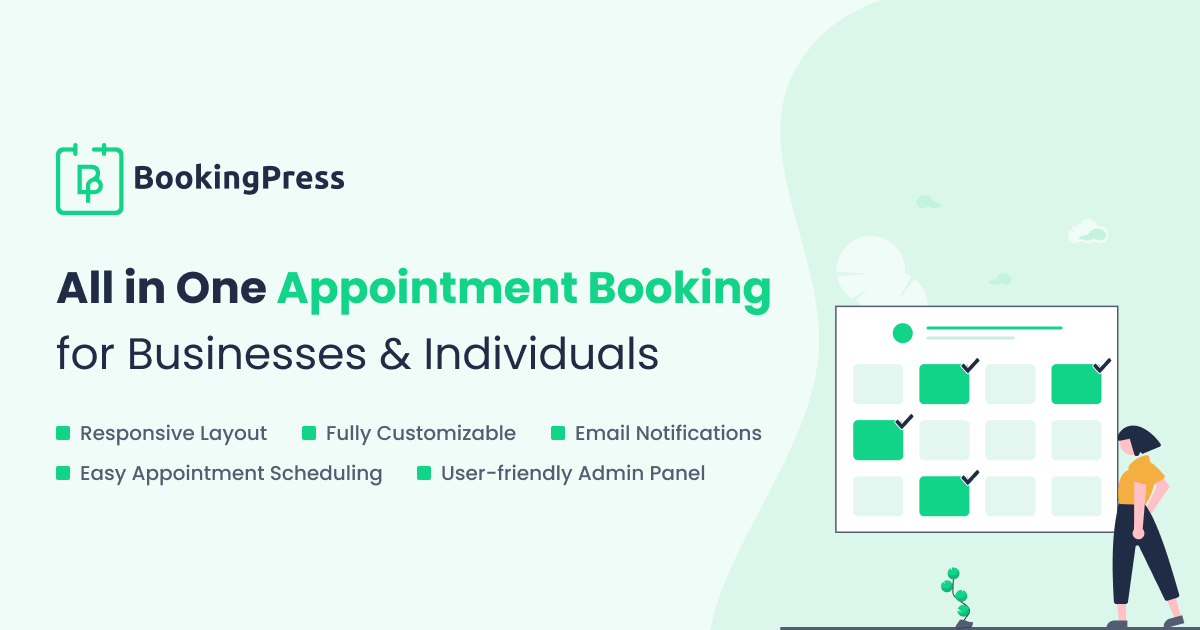
BookingPress is a newer but rapidly growing booking plugin that focuses on simplicity and affordability. Despite its minimal interface, it packs serious functionality.
Best for:
Freelancers, small business owners, and startups who need reliable appointment management on a budget.
Key Features:
- User-friendly drag-and-drop form builder
- Real-time booking calendar
- Integrated payments (PayPal, Stripe, Razorpay)
- Custom booking fields
- WooCommerce support
- SMS/email notifications
Pricing (2025):
- Free version available
- Premium starts at $69/year
Pros:
- Affordable and easy to use
- Responsive front-end booking system
- Great documentation and support
Cons:
- Lacks built-in Google Calendar sync (as of early 2025)
- Limited advanced automation features
If you’re running a small salon or coaching business, BookingPress is the best appointment plugin for business websites – simple, stable, and well-supported.
4. Simply Schedule Appointments
Overview:
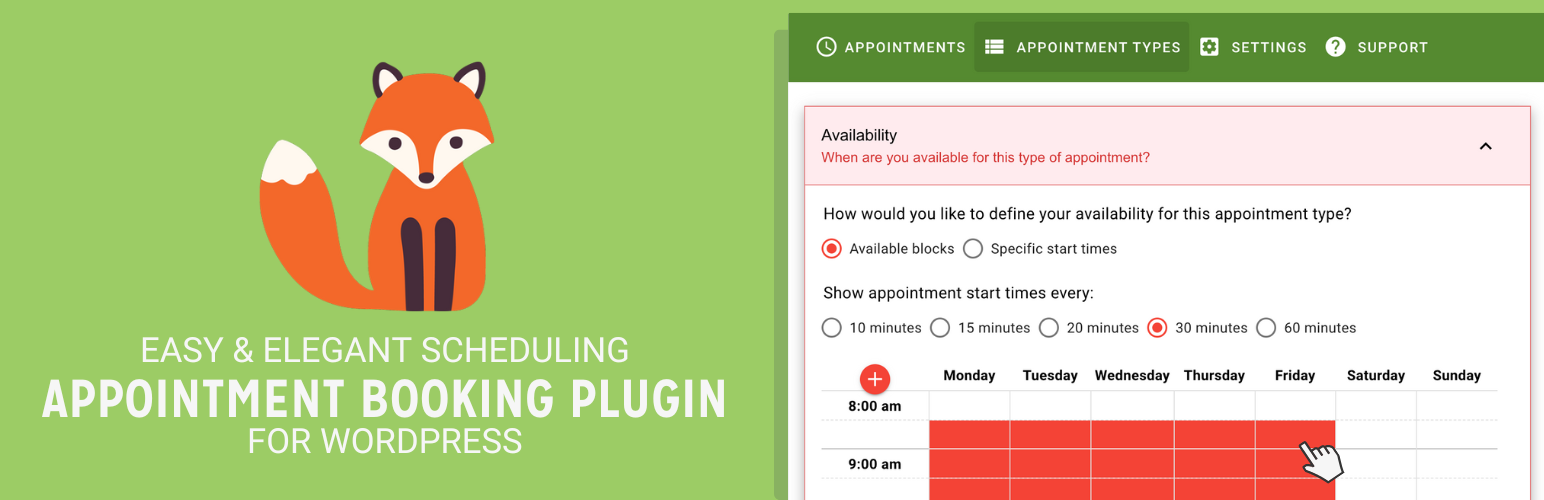
As its name suggests, this plugin keeps things simple – without sacrificing power. It’s designed for consultants, freelancers, and small service providers who need quick setup and smooth scheduling.
Best for:
Coaches, freelancers, and solo professionals who prefer a minimalist setup.
Key Features:
- Easy installation and setup
- Drag-and-drop form builder
- Google Calendar integration
- Fully responsive design
- Customizable availability and buffers
- Integrates with Zoom, Mailchimp, and Gravity Forms
Pricing (2025):
- Free version available
- Premium starts at $99/year
Pros:
- Incredibly simple to configure
- Lightweight and fast
- Integrates with Google Calendar and Zoom
Cons:
- No built-in payment gateway in the free version
- Limited staff scheduling options
If you want a lightweight booking plugin for WordPress that doesn’t slow your site, Simply Schedule Appointments is worth every penny.
5. MotoPress Appointment Booking Plugin

Overview:
MotoPress is a powerful and versatile plugin designed for local businesses, especially salons, clinics, and medical practitioners. It combines flexibility, payment support, and excellent UI performance.
Best for:
Doctors, beauty salons, and small agencies manage multiple staff.
Key Features:
- Real-time appointment scheduling
- WooCommerce integration
- PayPal and Stripe support
- Employee profiles and service management
- Email notifications and Google Calendar sync
- Elementor and Gutenberg are compatible
Pricing (2025):
- Free version available
- Premium starts at $59/year
Pros:
- Well-optimized for mobile
- Great for salons and clinics
- Affordable with strong integrations
Cons:
- UI feels less modern compared to Amelia
- Fewer customization options
Comparison Table – Feature & Pricing Snapshot
| Plugin | Free Version | Payment Integration | Google Calendar Sync | WooCommerce Support | Ideal For |
|---|---|---|---|---|---|
| Amelia | ✅ | ✅ | ✅ | ✅ | Salons, Clinics |
| Bookly | ✅ | ✅ | ✅ | ✅ | Businesses |
| BookingPress | ✅ | ✅ | ❌ | ✅ | Small Biz |
| Simply Schedule | ✅ | ✅ | ✅ | ❌ | Coaches |
| MotoPress | ✅ | ✅ | ✅ | ✅ | Doctors |
If you’re confused between options like Bookly vs BookingPress, this chart makes the difference clear.
Bookly is more advanced, while BookingPress focuses on affordability.
How to Add an Appointment Booking Plugin to WordPress
Adding a booking system to your website takes just a few minutes. Here’s a simple walkthrough:
- Install the Plugin: Go to your WordPress dashboard → Plugins → Add New. Search for “appointment booking,” install your chosen plugin, and activate it.
- Set Up Services and Availability: Define what services you offer, their duration, and available slots.
- Configure Notifications: Set up automated email or SMS reminders for clients and staff.
- Enable Payments (Optional): Connect payment gateways like PayPal or Stripe for online payments.
- Sync Calendars: If supported, connect your Google Calendar to keep everything in one place.
- Add the Booking Form to a Page: Use a shortcode or Gutenberg block to embed your booking form anywhere on your site.
That’s it – your WordPress appointment scheduling plugin is live and ready for clients.
Which Plugin Should You Choose? (Use-Case Recommendations)
Still not sure? Let’s narrow it down by your business type:
- For Salons: Amelia or MotoPress – both support staff scheduling and multiple locations.
- For Doctors/Clinics: MotoPress or Bookly – great for managing medical appointments.
- For Freelancers & Coaches: Simply Schedule Appointments – clean, simple, and distraction-free.
- For Multi-staff Businesses: BookingPress or Amelia – ideal for managing multiple services.
- For Beginners (Free Version): Bookly Lite or BookingPress Free – quick setup, no cost.
These plugins balance cost, flexibility, and integrations – so whether you’re just starting or scaling up, there’s a fit for you.
Conclusion
Your booking system isn’t just a convenience feature – it’s part of your customer experience.
A smooth, mobile-friendly, and automated system saves time and builds trust.
In 2025, the best appointment booking plugin for WordPress is one that matches your workflow – whether it’s Amelia for enterprise automation, BookingPress for startups, or Simply Schedule Appointments for personal brands.
Each plugin on this list is fast, SEO-friendly, and well-maintained – meaning you can focus on growing your business instead of managing appointments manually.
- Let’s Explore Top 5 SEO plugins for WordPress Website – Click Here
- Let’s Explore the Top 10 SEO Friendly WordPress Themes – Click Here
FAQs
What is the best travel booking plugin for WordPress?
WP Travel Engine is the most popular tour and travel booking WordPress plugin. Used by over 20,000 travel agency websites. WP Travel Engine – Elementor Widgets provides 20+ Elementor widgets to create travel and tour booking websites using WP Travel Engine and Elementor.
Which SEO plugin is best for WordPress?
The “best” SEO plugin for WordPress depends on user needs, with Yoast SEO being ideal for beginners and blogs due to its content analysis features, and Rank Math being a strong choice for those seeking advanced features in its free version. All in One SEO (AIOSEO) is highly recommended for business owners and agencies who want a user-friendly, comprehensive toolkit.
What are the main advantages of using Simply Schedule Appointments?
Simplicity & Speed: It’s very easy to set up – you can get a booking type live in under 5 minutes.
Unlimited Calendars: Even the free/basic version lets you create multiple appointment calendars and set up custom notifications.
Flexibility: More advanced paid versions support group/class bookings, team resource/availability management, and Google Calendar sync.
Integration-friendly: Works with Elementor, Divi, Gravity Forms, Formidable Forms, and others.
Branding & Customization: You can style the booking form to match your site, and set blackout dates, capacity limits, etc.
Are these plugins mobile-friendly for customers?
Yes. All top booking plugins – Amelia, Bookly, LatePoint, Bookingo, and Simply Schedule Appointments-are mobile-responsive. Customers can book appointments from their phone in seconds, and you can manage everything through a mobile admin dashboard. In today’s world, mobile responsiveness is basically non-negotiable for booking forms.
Do appointment plugins support different time zones for international clients?
Yes. Most modern booking plugins-especially Amelia, Simply Schedule Appointments, and Bookly-automatically detect the user’s time zone. This means if someone books from another country, they’ll see available slots in their own local time. It prevents confusion, accidental double-booking, and missed sessions, which is super important for online coaching, consultations, and classes.
What are the limitations or potential downsides of Bookly?
Complexity: Because it’s highly flexible and customizable, Bookly can be a bit overwhelming for beginners.
Add-on Costs: Many of its advanced features (payments, calendar sync, SMS) come via paid add-ons, which can increase the total cost.
Performance: With many add-ons and features enabled, it may slow down if not well optimized.
Setup Time: You’ll need to spend more time configuring services, staff, notifications, and payment settings compared to more minimal plugins.
Can I accept online payments through these booking plugins?
Yes, most top plugins support payments.
Amelia, Bookly, and Bookingo offer PayPal, Stripe, and even Razorpay (with add-ons).
Free versions usually limit payment options, but premium versions open everything. Accepting payments directly helps reduce no-shows and makes appointments more professional and reliable for clients.
Can I integrate my booking plugin with Google Calendar or Zoom?
Yes, Amelia and Bookly have the smoothest Google Calendar syncing.
For Zoom, Amelia generates automatic meeting links after someone books. This helps you avoid double-booking and keeps your schedule organized without manually updating calendars.

